Project location
State the delivery city, state and ZIP code, plus site unloading or storage constraints. No visitor office address is published; this illustration shows a procurement workflow rather than a physical store location.
Procurement desk / request intake
Use this request to explain the wall panel assembly you need, the quantity and the US destination. Our independent sourcing service begins with requirement clarification, so an incomplete specification can still be submitted with open questions clearly identified.
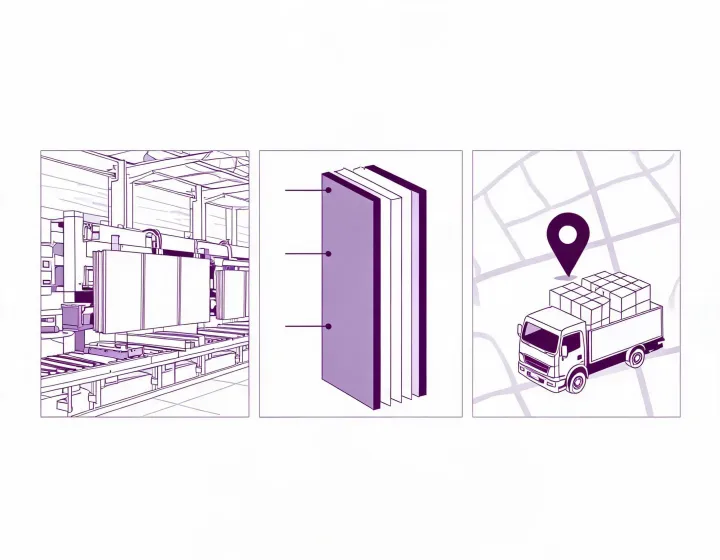
State the delivery city, state and ZIP code, plus site unloading or storage constraints. No visitor office address is published; this illustration shows a procurement workflow rather than a physical store location.
The request form is the available inquiry channel. Supply a work email and company name so a clarification can be connected to the right purchasing team. Public phone, email and social accounts are not configured for this site.
Record your required delivery date and distinguish sample review from production and transport. Office hours and a fixed response-time promise are not published. Supplier availability and commercial terms require separate confirmation.
From scope to quotation
Describe skin material, core, panel dimensions, thickness, finish and the sealing system. Include doors, windows, utility openings and the floor or ceiling interfaces where they affect the offered construction.
State quantity in panels, square feet or square metres and explain whether it is net wall area or an ordering allowance. Ask for the documents relevant to the quoted model; the sourcing desk does not issue product certificates or approve a cleanroom design.
An optional budget can be an amount or range. Identify currency and whether it applies per unit or to the total order. Supplier preference expresses your balance of finish, customization, cost and service; a prior supplier quotation is not required.
Keep confidential drawings out of an initial public message if they need a separate sharing arrangement. Refer to a document revision and describe what needs review; this form does not provide file upload.
Business buyer support
Eligible sourcing support up to 3%.
Eligibility applies to qualified business buyers and is confirmed after we review your product, quantity, destination, and sourcing requirements.
The applicable support scope is confirmed after requirement review.
Send panel requirements